Top Smartphone Functions That Are Changing the Way We Live
Published: 21 Nov 2025
Smartphones have evolved from simple communication tools to powerful mini-computers that shape our daily lives. From calls to health tracking, they’re essential for productivity, entertainment, and learning. But how do these small devices do so much?
In this article, we’ll explore the basic and advanced functions of smartphones and how they’re transforming the way we live, work, and play. So let’s get started.
The Core Functions of Smartphones
Smartphones do much more than make calls. Let’s look at the basic functions that make them so important in our daily lives.
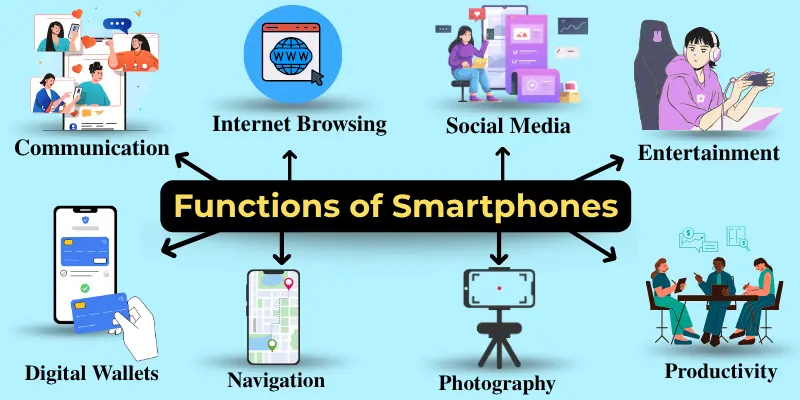
1. Communication: Staying Connected, Anytime, Anywhere
One of the primary functions of a smartphone is communication, and it has changed the way we interact with the world. While traditional phones were limited to voice calls and text messages, modern smartphones allow us to do much more, including sending emails, making video calls, and messaging across various platforms.
Example:
Imagine you’re traveling and need to talk to your family or send an urgent work message. With your smartphone, you can make a quick video call, send a WhatsApp message, or email your boss—all in minutes. It keeps you close to everyone, no matter where you are.
2. Internet Browsing: Accessing Information on the Go
Gone are the days when you had to sit at a desktop to browse the internet. With smartphones, we can search for anything at any time, whether it’s checking the weather before leaving the house or reading up on news articles during travel. Smartphones make it easy to access information whenever you need it.

Example:
Imagine you’re leaving for the day, and you quickly check your smartphone for the weather forecast to decide whether to grab an umbrella. With a quick tap, you get the information you need instantly, saving you time and effort.
3. Social Media: Staying Social, Virtually Everywhere
Social media platforms like Instagram, Facebook, and Twitter are now easily accessible on our smartphones. Whether you’re staying updated on current events or sharing photos from a trip, smartphones make social interaction quicker and easier.
Example:
At a family gathering, you can quickly share a picture of the moment. With just a few taps on your smartphone, you can instantly upload the photo to Instagram, allowing everyone to see it in real-time, no matter where they are.
4. Entertainment: Fun at Your Fingertips
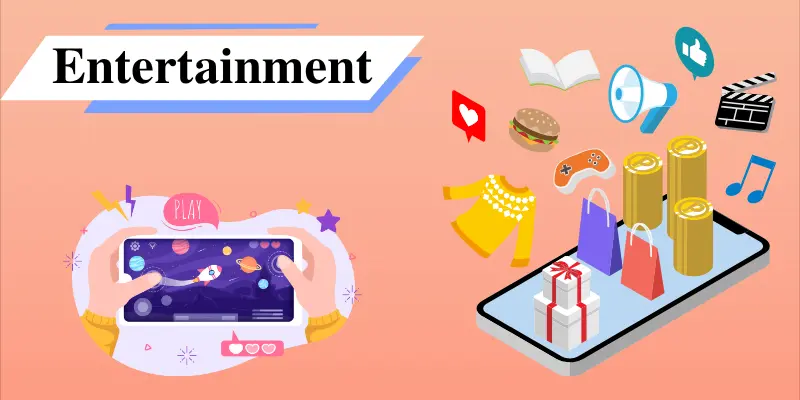
From streaming movies to gaming, smartphones have become a great source of entertainment. Gone are the days when you needed a separate device for gaming or watching your favourite TV show. Now with your smartphone, everything you need is in one device.
Example:
On a weekend road trip, you can easily play your favourite playlist on Spotify, enjoy a mobile game to pass the time, and even watch a new episode of your favourite show—all from your smartphone.
5. Photography & Video Recording: Capturing Life’s Moments
Smartphones have changed the way we capture memories. With their high-quality cameras, smartphones allow us to take clear photos and record HD videos. Whether it’s a natural snapshot or a family video, smartphones offer convenience and quality.
Example:
You’re out with friends and see a perfect sunset. Instead of missing the moment or carrying heavy equipment, you simply take out your smartphone and snap the picture. In just one tap, you’ve captured a perfect memory to keep forever.
6. Navigation: Finding Your Way, Hassle-Free
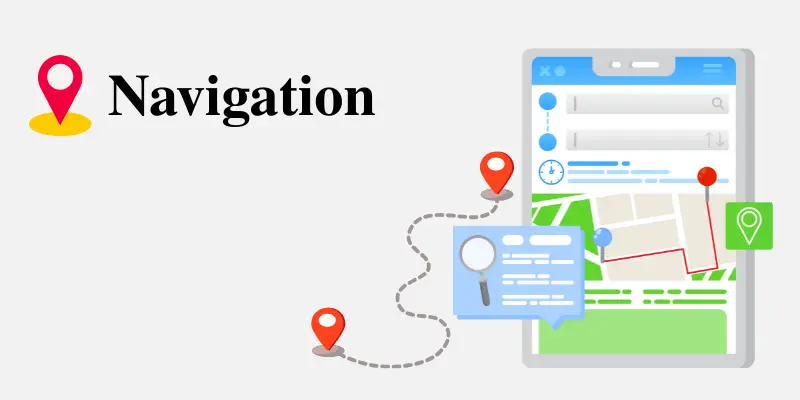
Gone are the days of paper maps or asking for directions. Smartphones provide access to GPS and location–based services, making navigation easy and efficient. Whether you’re travelling to a new city or just trying to find the nearest coffee shop, your smartphone can quickly give you turn-by-turn directions, real-time traffic updates, and nearby points of interest.
Example:
On a road trip, you can use Google Maps to find the quickest route, avoiding traffic and delays. Whether you’re on new roads or just out shopping, your phone ensures you never get lost.
7. Productivity: Getting Things Done on the Go
Smartphones are not just for communication and entertainment, but they’ve become powerful tools for staying productive. With apps for to-do lists, calendar management, document editing, and collaboration, smartphones help you manage your work and personal tasks effectively.
Example:
Imagine you’re travelling on a train and suddenly remember an important task for work. You quickly open your to-do list app, write it down, and set a reminder. Then, you reply to a team email, edit a presentation in Google Slides, and join a Zoom meeting—all from your smartphone, without needing a laptop.
Advanced Functions of Smartphones
Smartphones keep getting smarter, with new features that are changing how we use technology every day.
1. AI Integration in Smartphones: Enhancing User Experience
Smartphones are now equipped with Artificial Intelligence (AI), making them smarter than ever. AI helps with tasks like voice commands through Siri or Google Assistant, and it also improves camera performance by automatically adjusting settings for better photos. This technology makes smartphones easier and more efficient to use.
Example:
Imagine you’re driving and need directions. You simply ask your phone, ‘Hey Siri, how do I get to the nearest gas station?’ In seconds, Siri uses AI to find the best route and guides you there, hands-free.”
2. Health and Fitness Tracking: Achieve Your Goals with Smartphones
Smartphones now come with built-in health tracking features that help us stay on top of our fitness goals. With apps like Apple Health and Google Fit, your phone tracks your activity, workouts, and sleep, making it easier to monitor progress and stay motivated toward a healthier lifestyle.

3. Augmented Reality in Smartphones: A Smarter Way to See the World
Augmented Reality (AR) is transforming how we experience both entertainment and education. Smartphones with AR capabilities allow you to interact with digital objects in the real world, opening up exciting possibilities.
Example:
Using an AR app, you can virtually try on clothes before buying them or watch educational tools come to life, like 3D models of the solar system that make learning fun for kids.
4. Mobile Payments and Digital Wallets: Making Transactions Effortless
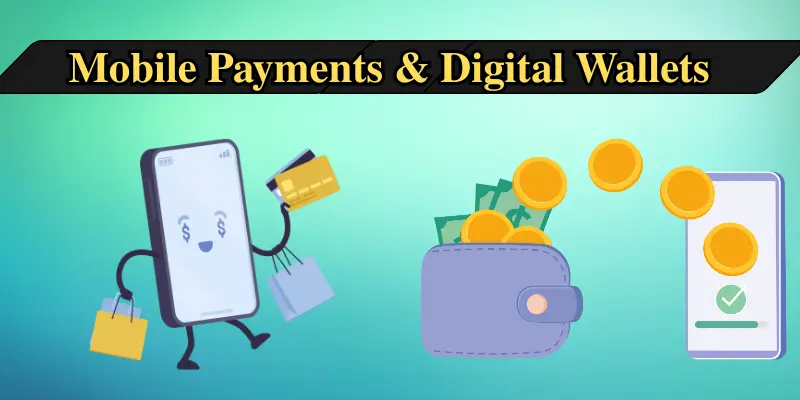
Forget about carrying cash or cards—smartphones now allow us to make secure mobile payments through apps like Apple Pay, Google Pay, and Samsung Pay. With digital wallets, transactions are faster and more secure.
Example:
Paying for your coffee or groceries is as easy as tapping your smartphone. With features like fingerprint authentication or Face ID, your payments are processed quickly and safely.
5. Smart Home Control: Managing Your Home from Your Phone
Smartphones can now control smart home devices like lights, thermostats, and security cameras. With just a tap, you can adjust the lighting in your living room or check if you locked the door—all from your smartphone.
Example:
While at work, you can use your smartphone to adjust your home’s temperature, turn off the lights, or check the security cameras, all without needing to be there in person.
Conclusion
So guys, in this article, we’ve covered the functions of smartphones in detail. From calls to smart payments, they’ve become a big part of daily life. I suggest taking some time to explore the different apps and features on your phone—you might discover something that makes your routine easier.
If you found this article helpful, feel free to share it and check out more of our guides to stay updated and informed.
Frequently Asked Questions (FAQs)
Below are answers to some common questions about smartphone functions :
The top 5 functions of a smartphone are:
- Communication: Calls, texts, emails, and video chats keep you connected.
- Internet Browsing: Access information anytime, anywhere.
- Navigation (GPS): Get real-time directions and traffic updates.
- Photography and Video: Capture High-quality photos and videos.
- Entertainment: Stream music, movies, and play games on the go.
Smartphones have evolved from basic communication devices to powerful mini-computers with high-quality cameras, advanced processing, AI, and health tracking features, making them essential in daily life.
Yes, smartphones now have high-quality cameras capable of taking professional-level photos and videos, making them a convenient alternative to traditional cameras for everyday use.
AI in smartphones enhances user experience with voice assistants, camera optimization, and smart features like predictive text, making devices smarter and more responsive.
Smartphones are secure for online transactions, using features like encryption, fingerprint, and facial recognition, but it’s important to keep your device updated with the latest security patches.





- Be Respectful
- Stay Relevant
- Stay Positive
- True Feedback
- Encourage Discussion
- Avoid Spamming
- No Fake News
- Don't Copy-Paste
- No Personal Attacks
- Be Respectful
- Stay Relevant
- Stay Positive
- True Feedback
- Encourage Discussion
- Avoid Spamming
- No Fake News
- Don't Copy-Paste
- No Personal Attacks
