Common Mobile Phone Problems and How to Fix Them
Published: 29 Dec 2025
Mobile phones are a big part of daily life, but over time they can develop issues like battery drain, slow performance, or connection problems. These common mobile phone issues can be frustrating, but the good news is that most are easy to fix.
In this article, we’ll cover the top 12 common mobile phone problems and solutions to help your phone work smoothly again. So, let’s dive in.
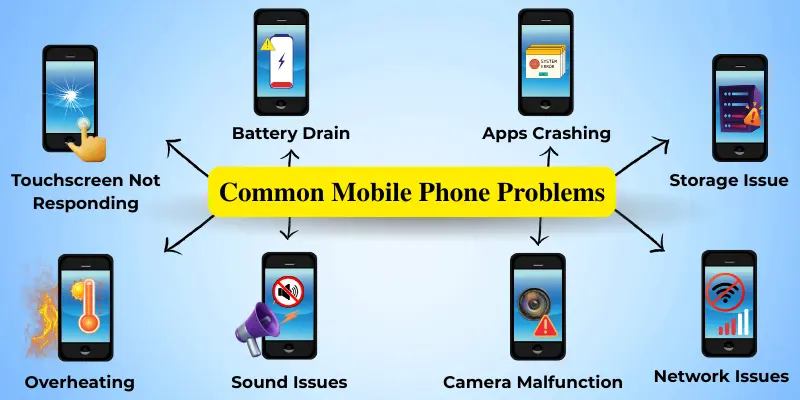
Top 12 Mobile Phone Problems and Solutions
Before we dive into detailed explanations, here’s a quick overview of the most common cell phone issues that users experience today:
- Battery is draining too fast
- Slow phone performance
- Phone overheating
- Touchscreen not responding
- Apps are crashing or freezing
- Phone storage issues
- Poor network or connection problems
- Phone is not charging properly
- Speaker or microphone issues
- Camera not working properly
- Mobile Data Consuming Too Fast
- Phone Randomly Restarting
These issues can affect any phone, regardless of brand or model. Now, let’s go through each mobile phone problem one by one, explain why it happens, and share simple solutions you can apply right away.
1. Battery Draining Quickly
A battery that drains too quickly is one of the most common problems mobile phone users face. It could be due to apps running in the background, your screen brightness being too high, or a battery that’s worn out after years of use.
Solution:
- Lower your screen brightness or turn on battery saver mode.
- Close apps running in the background that you don’t need.
- Try turning off unnecessary features like location services or Bluetooth when not in use.
- If your battery is over a year old, it might be time for a replacement.
2. Slow Phone Performance
Over time, phones may become slow due to limited storage, too many installed apps, or outdated software. This can cause lag, freezing, or delayed responses.
Solution:
- Delete apps you don’t use regularly.
- Clear your phone’s cache to remove temporary files that are taking up space.
- Update your software — newer versions of your operating system often fix bugs and improve performance.
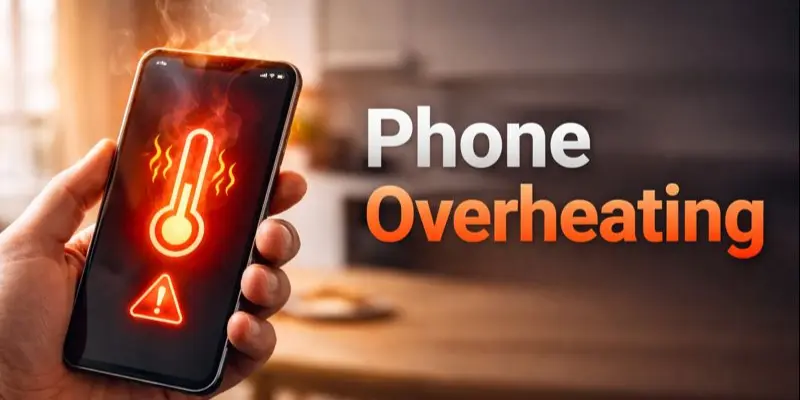
3. Phone Overheating
Phone overheating can occur due to heavy app usage, gaming, long screen time, or using the phone while charging. Overheating can reduce performance and battery life.
Solution:
- Close heavy or unused apps.
- Avoid using the phone while charging.
- Remove thick phone covers and keep the phone in a cool place.
4. Touchscreen Not Responding
A touchscreen may stop responding due to temporary software bugs, dirt on the screen, or a low-quality screen protector.
Solution:
- Clean the screen with a soft cloth.
- Restart your phone to fix minor glitches.
- Remove or change the screen protector.
- Update the phone software if available.
- If the problem persists, you may need to have your screen repaired.
5. Apps Crashing or Freezing
Apps may crash or freeze due to outdated versions, corrupted data, or compatibility issues with the operating system.
Solution:
- Update the app from the App Store.
- Clear the app cache and data.
- Reinstall the app if the issue continues.
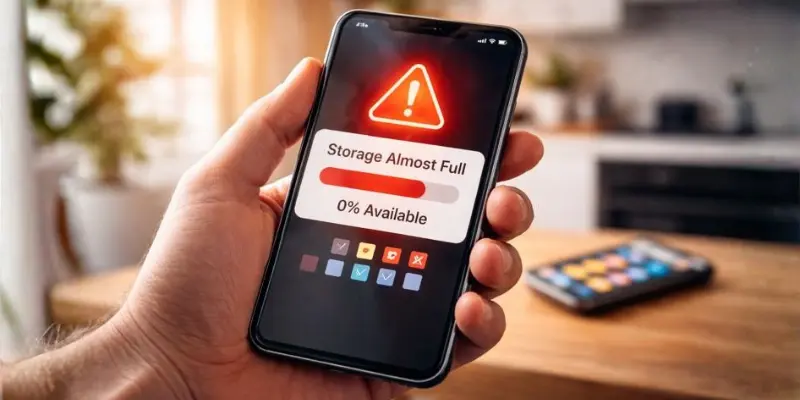
6. Phone Storage Issues
Low storage space can slow down your phone and cause apps to malfunction. Photos, videos, and unused apps are usually the main reason.
Solution:
- Delete unnecessary apps, photos, and videos.
- Move your media to cloud storage or an SD card.
- Clear your cache to free up space.
7. Poor Network or Connection Issues
Weak signals, network outages, or incorrect settings can cause call drops or slow internet, leading users to wonder why their phone isn’t connecting properly.
Solution:
- Turn airplane mode on and off to refresh the network signal.
- Restart your phone and router to clear temporary glitches and reconnect properly.
- Check your SIM card and make sure you are in an area with good coverage.
- Update your phone’s software to fix network-related bugs.
8. Phone Not Charging Properly
Charging problems often happen due to damaged cables, faulty adapters, or dust inside the charging port.
Solution:
- Try a different charging cable and adapter to check for faulty accessories.
- Gently clean the charging port to remove dust or debris.
- Restart your phone to fix temporary charging glitches.
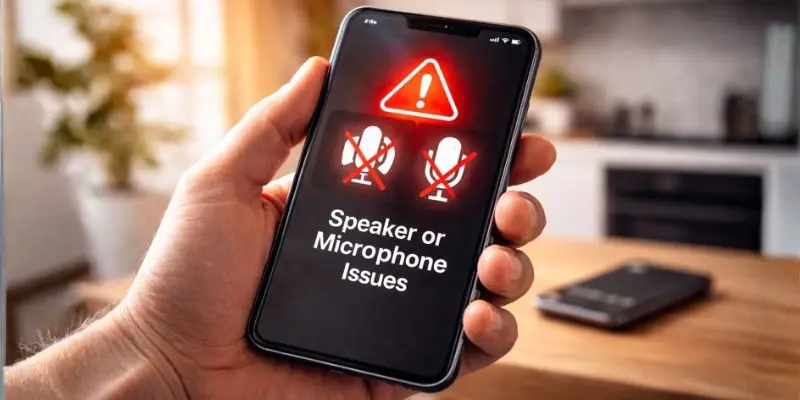
9. Speaker or Microphone Issues
This issue can occur due to dust blocking the ports, water or drop damage, software glitches, or faulty connected accessories.
Solution:
- Gently clean the ports to remove dust or dirt, which can block sound.
- Check volume levels and microphone permissions to ensure nothing is muted or restricted.
- Test the phone with headphones or Bluetooth devices to identify possible hardware issues.
- Restart the phone and install software updates to fix temporary glitches or audio bugs.
10. Camera Not Working Properly
Camera issues such as blurry images or the app not opening can be caused by dirty lenses, software glitches, low storage, app conflicts, or hardware damage from drops or water.
Solution:
- Clean the camera lens gently to remove dust or smudges.
- Close other apps that might be using the camera.
- Check storage space and free up memory if needed.
- Reset camera settings or visit a repair shop if the hardware is damaged.
11. Mobile Data Consuming Too Fast
High data usage can happen even when you’re not actively browsing. This is usually caused by background apps, auto‑updates, or hidden sync processes.
Solution:
- Restrict background data for apps you don’t use often.
- Turn off auto‑updates while on mobile data.
- Use data saver mode to reduce usage.
- Check data usage in settings to identify apps consuming the most data.
12. Phone Randomly Restarting
Phones may restart on their own due to malware, corrupted system files, or outdated software, interrupting calls, games, or important tasks.
Solution:
- Scan your phone for malware or suspicious apps.
- Update your operating system to the latest version.
- Clear the cache partition to remove temporarily corrupted files.
- If restarts continue, consider a factory reset after backup.
Conlusion
So guys, in this article, we’ve covered common mobile phone problems in detail. From battery drain to camera issues, understanding these problems and applying simple solutions can save you a lot of time and stress. My personal recommendation is to regularly update your apps and software, clear unnecessary files, and monitor your phone’s performance to prevent issues before they start.
Don’t wait for problems to pile up—take action today and keep your phone running smoothly!
Frequently Asked Questions (FAQs)
Here are the answers to some common questions about mobile phone problems :
If your battery drains very quickly even after closing apps and lowering brightness, it may be worn out. Phones older than 1–2 years often need a new battery. You can check battery health in settings to confirm.
Yes, installed apps take up storage and use background memory. Too many apps can cause lag or freezing. Removing unused apps often improves performance immediately.
Using your phone while charging can produce extra heat, especially with heavy apps or games. This can reduce performance and battery life over time. It’s best to avoid heavy use while charging.
This can happen if another app is using the camera or if the lens is dirty. Close other apps, clean the lens, and restart the phone. If it persists, reset camera settings or consult a repair shop.
Deleted files sometimes stay in the “Recently Deleted” folder or cache memory. Clear the cache and permanently delete items from the trash folder. Using cloud storage can prevent repeated storage issues.



- Be Respectful
- Stay Relevant
- Stay Positive
- True Feedback
- Encourage Discussion
- Avoid Spamming
- No Fake News
- Don't Copy-Paste
- No Personal Attacks
- Be Respectful
- Stay Relevant
- Stay Positive
- True Feedback
- Encourage Discussion
- Avoid Spamming
- No Fake News
- Don't Copy-Paste
- No Personal Attacks
